
Multiple docks
Create separate docks for work, creativity, communication, or any routine.
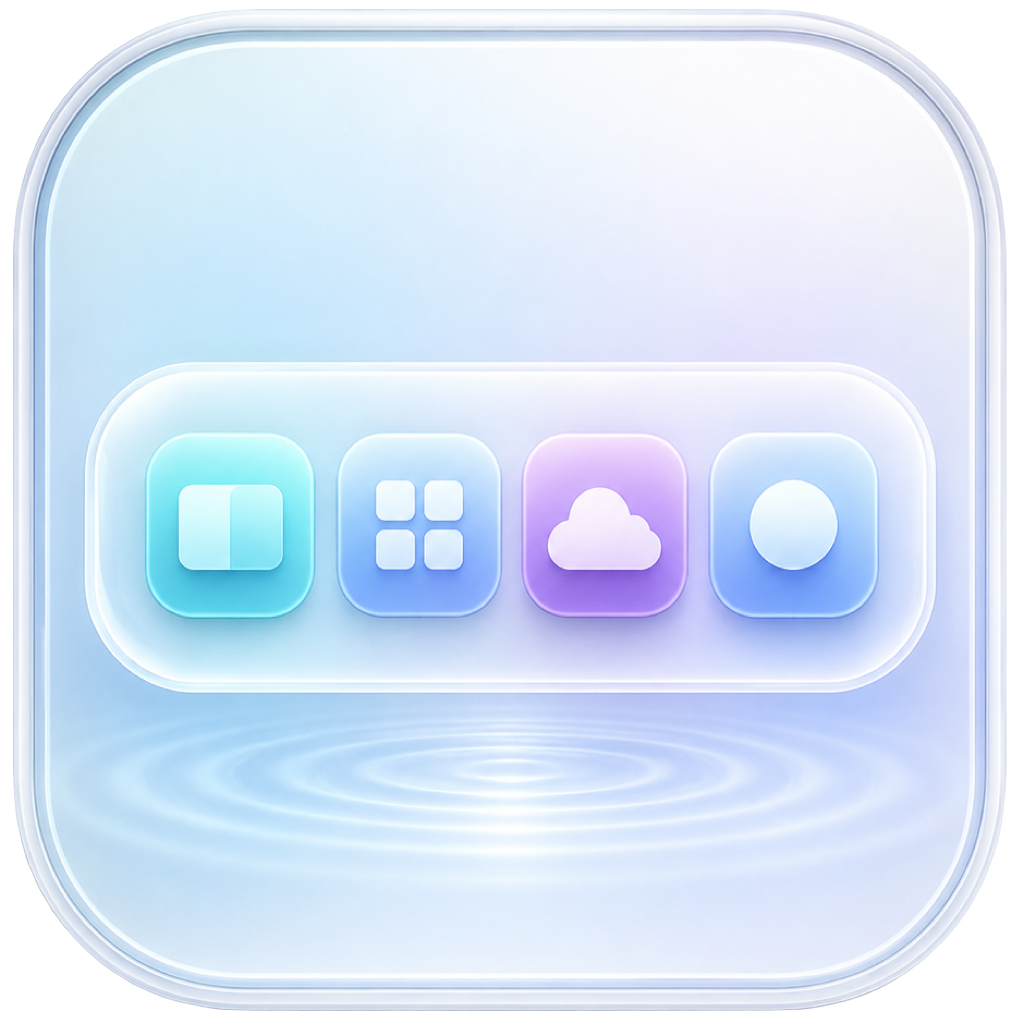
Create beautiful secondary docks for the apps, folders, files, widgets, and shortcuts you use every day.
Built for macOS 13 or later • Apple Silicon and Intel


DockCalm keeps frequently used tools visible, organized, and personal without replacing the macOS Dock.
Create separate docks for work, creativity, communication, or any routine.

Choose horizontal, vertical, or circular arrangements and refine size, spacing, opacity, and shape.

Keep applications, chosen folders, and recent files close without digging through Finder.

See time, calendar, battery, storage, system activity, network speed, notes, tasks, and Shortcuts.

Tune appearance for your desktop with polished themes and responsive, Mac-inspired materials.

Export local backups, restore your setup, and create privacy-safe diagnostics when you need help.
DockCalm unlocks with a single Lifetime purchase, available directly from the Mac App Store. No trial, no subscription — just one purchase for full access.
DockCalm has no advertising or tracking. Your dock setup, notes, tasks, bookmarks, backups, and system readings are handled locally on your Mac. Purchases are processed by Apple.
No. DockCalm acts as a secondary, customizable dock and leaves the native macOS Dock under your control.
Your configuration and content are stored locally in the app’s macOS container. Export only happens when you choose to create a backup or diagnostic file.
Yes. You can create multiple docks and personalize each one independently.
No. DockCalm unlocks with a one-time Lifetime purchase through the Mac App Store. Billing and refunds for that purchase are managed by Apple.
No. The Mac app contains no advertising, tracking, or third-party analytics.